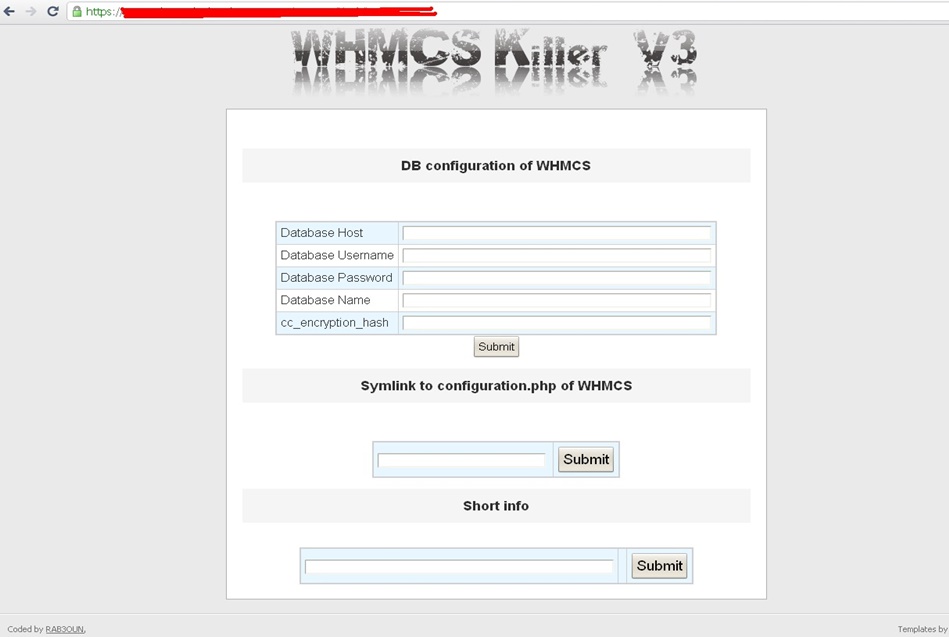
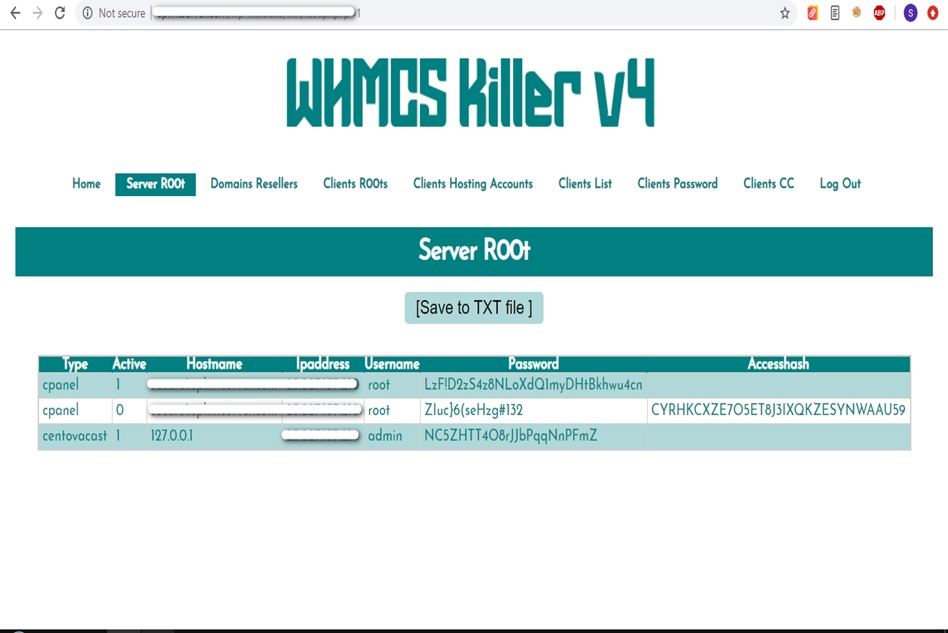
WHMCS Killer v4 Coded in Latest php version Tools Server R00t Domain Resellers Clients R00ts Clients Hosting Accounts Clients CC Clients Password NEw DEsign
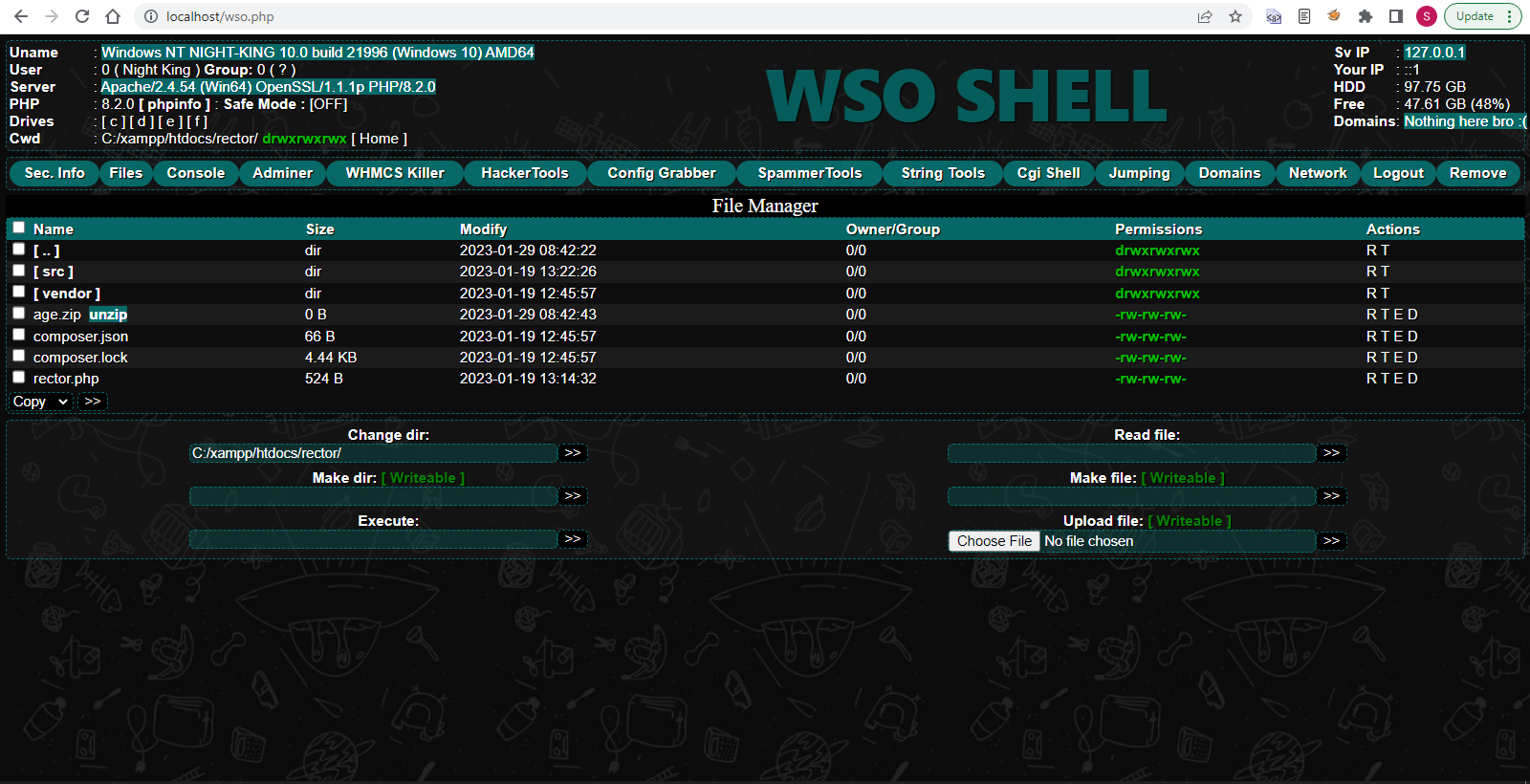
WSO SHELL 2023
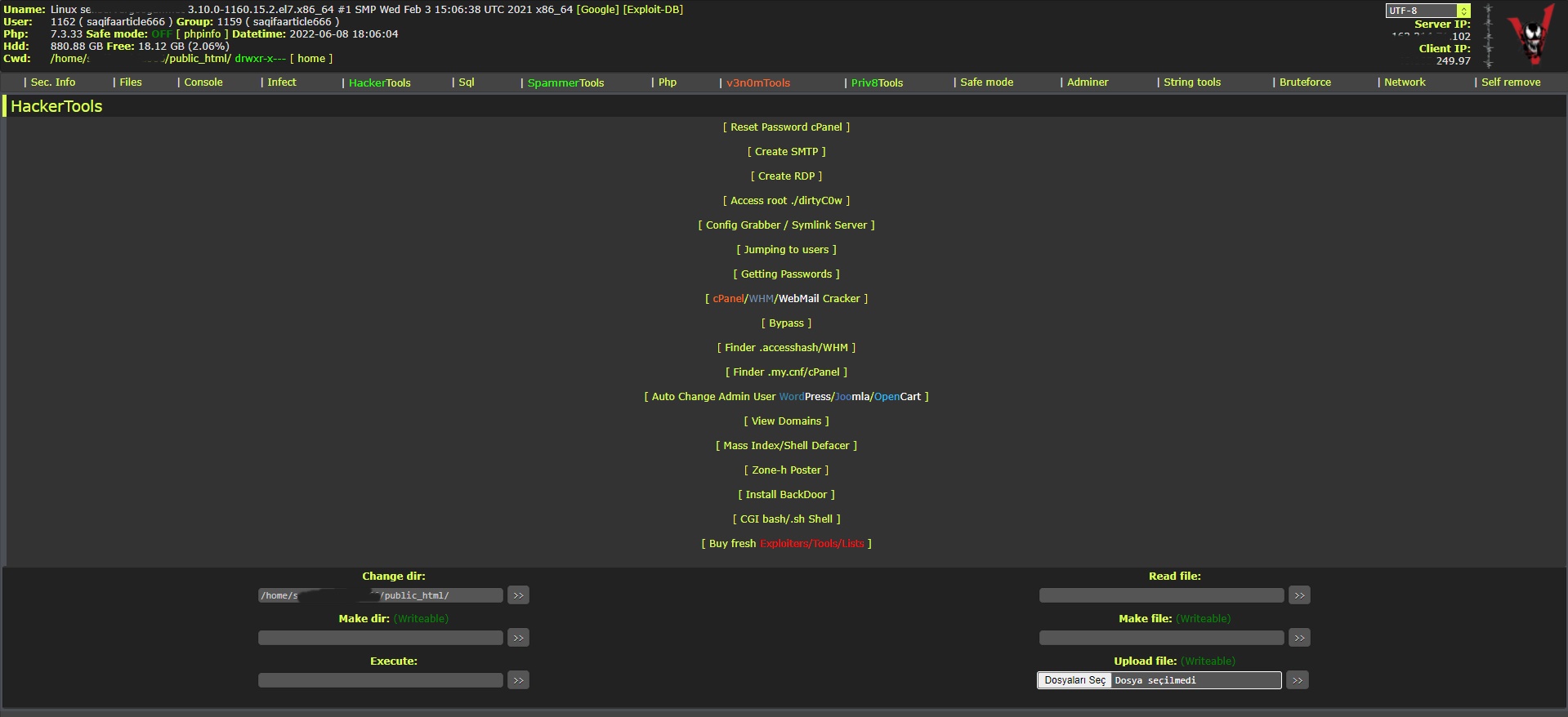
[Hacker Tools] cPanel/WHM/WebMail Cracker - Create RDP - Getting Passwords - Finder .accesshash/WHM - Finder .my.cnf/cPanel - Auto Change Admin User WordPress/Joomla/OpenCart - Zone-h Poster - Install BackDoor [Spammer Tools] Create SMTP - Create Mailer - Mail Sending Checker - Redirects - Getting Emails-List - Emails-list Filter [Other Features] Adminer - WHMCS Killer v4 - Unzip - Config Grabber[Advanced] - Server Jumping - Cgi Shell - Back Connect - Domains List [Supported] php 5.x - php 7.x - php 8.x Password:dadsec
WAnonymousFox shell 2023
FoxAuto V8 [01] Mass Reset Password cPanel [02] Mass Finder SMTP + Create SMTP [03] Mass Finder Linux/Windows, cPanel/vHosts/Root [PWD|UNAME] [04] Mass Finder Accesshash [Reseller] + .my.cnf [cPanel] [05] Mass Get Config (cPanel/vHosts) server+Config404+ConfigCFS [06] Mass Get Config + Crack cPanel/WHM [07] Mass Get Config+Upload Shell on WordPress/Joomla/Opencart [08] Mass Get Root by ./dirty [PHP/BASH] [09] Mass Get RDP from Windows server [10] Mass Get Domains-List [11] Mass Get Emails-List [12] Mass Get Config + Emails-List [13] Mass Upload Mailer [Random] [14] Mass Upload File [Random] [15] Mass Upload Index + Post in Zone-h [16] Mass Upload Scam-Page/Zip-file + UNZip [17] Mass Check if Sending mail is Working or not! [Results delivery] [18] Mass Reports replacement Olux/xLeet/Other [19] From any Shell/UPloader, MASS Upload File Shell/Mailer [20] Reset Password cPanel + Finder/Create SMTP [together] [21] [All of them together] [22] Mass Finder SMTP + Create SMTP from cPanel [23] MASS Upload File Olux/xLeet/Other Shell/Mailer from cPanel [24] Mass Upload Scam-Page/Zip-file + UNZip from cPanel [25] Mass Check if Sending mail is Working or not! [Results delivery] [26] Mass Reports replacement Olux/xLeet/Other from cPanel [27] Mass login WordPress/Joomla/Opencart/Drupal + UPload Shell
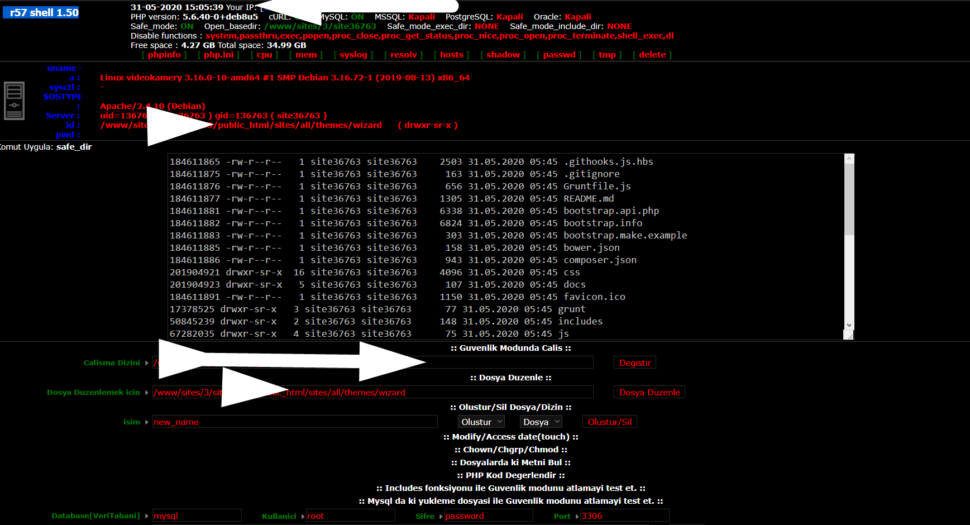
Wr57 shell txt
visit the most interesting R57 pages, well-liked by users from your country and all over the world, or check the rest of r57.biz data below. R57.biz is a website, reported to be malware-infected or hijacked, so you should stay away from it until the problem is resolved. We found that English is the preferred language on R57 pages. Their most used social media is Facebook with about 93% of all user votes and reposts.
For users with a standard, unmodded 3DS, the update is applied automatically by launching the game while connected to the internet or by visiting the Nintendo eShop For users with homebrew/CFW consoles using CIA files: Direct Installation: You can use the FBI homebrew app to install the update Reliable archives like
If you are downloading a CIA, ensuring the is installed is not optional—it is mandatory for a serious playthrough.
Launch Pokémon Omega Ruby . On the title screen, the bottom-right corner should display "Ver. 1.4". Why You Need This Update
While the official patch notes from Nintendo are notoriously vague, stating only that "Various bugs have been fixed in order to provide a smoother gaming experience" and that "adjustments have been made for an improved gaming experience," the update is far more critical than that simple description suggests. For a player using the cia format on a modded 3DS or the Citra emulator, installing the for several reasons: pokemon omega ruby update 14 3ds usa cia r best
Press to confirm and wait for the installation progress bar to finish. Step 3: Verify the Installation Press the Home button to exit FBI. Launch Pokémon Omega Ruby from your Home Menu.
To install this update, your Nintendo 3DS must already be running custom firmware (Luma3DS) and have the file manager installed. Step 1: Prepare the File
Power on your 3DS and launch the application from your home menu. Select SD from the main menu. Navigate to the cias folder. Highlight the Pokémon Omega Ruby v1.4 update file. For users with a standard, unmodded 3DS, the
Launch Pokémon Omega Ruby . Look at the bottom-right corner of the title screen; it should explicitly display Ver. 1.4 . Important Safety and Legal Notice
Earlier versions of the game suffered from a notorious glitch where the software would randomly freeze during the Hall of Fame induction ceremony after beating the Elite Four. Version 1.4 completely eliminates this progress-blocking bug.
Highlight the Update 1.4 CIA file, press A , and choose Install and Delete CIA (deleting the installer saves precious SD card space). Step 3: Verify the Installation Press the Home
: Select the file and choose "Install and delete CIA" to save space.
A "CIA" file is essentially an installable package. When a user searches for the "CIA" version of the update, they are looking for a file that can be installed directly to the 3DS home menu using homebrew applications like FBI. Once installed, the update appears as a separate "ticket" on the system, allowing the base game (whether played via cartridge or ROM) to recognize the new data.
: The update resolved frequent disconnect issues during Random Matchups, which previously forced the game to display generic names instead of player-chosen nicknames.